Aixle
A procedural 3D modelling language written for language models to write. A model is a short program: primitives, combined with constructive solid geometry, transformed, repeated, blended and painted, each step named and building on the last. One command turns the program into pictures an agent can look at to check its work (a contact sheet of views, cross-sections, one thumbnail per build step, a turntable) and into meshes it can ship (OBJ with materials, binary glTF with baked colours).
# A coffee mug: a rounded cup, hollowed and opened at the top, a torus handle.
r = 1.2
body = cylinder(r=r, h=2.4, round=0.12)
cavity = cylinder(r - 0.14, 2.4) | move(0, 0.2, 0)
cup = body - cavity
handle = torus(0.75, 0.16) | rotate(x=90) | move(r + 0.45, 0.1, 0)
mug = (cup + handle) | paint("porcelain") | ground()
show mug
npx aixle render examples/mug.aix # writes out/mug/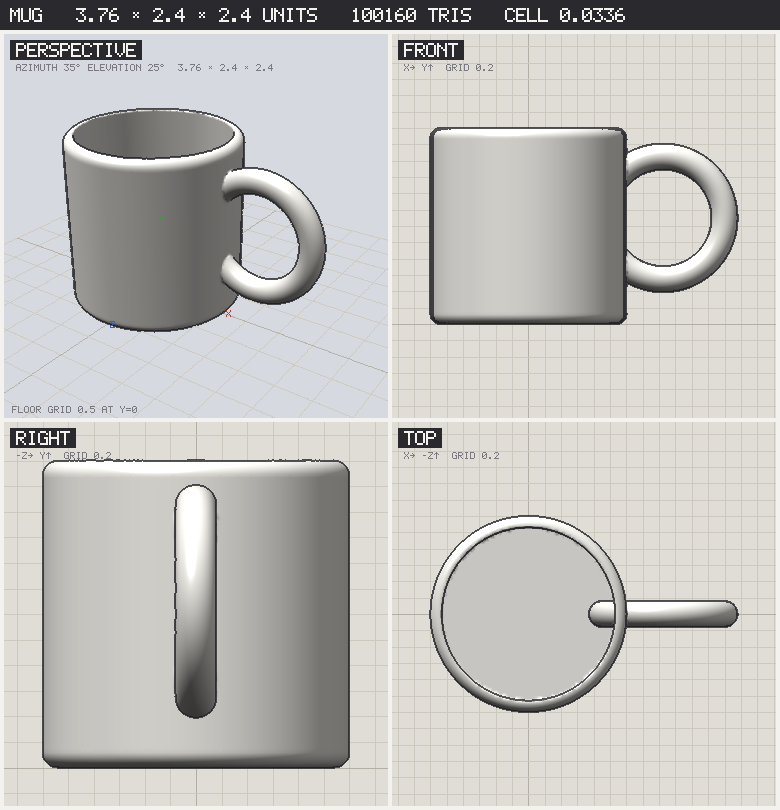
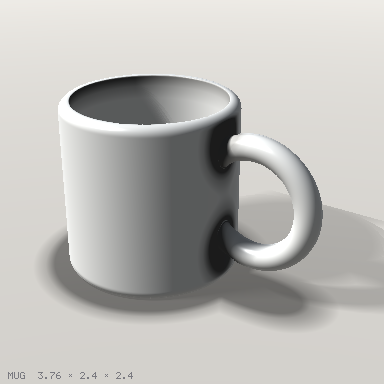
--beauty adds a ray-marched render of the field with soft shadows and ambient occlusion, for the picture that shows the model as meant:
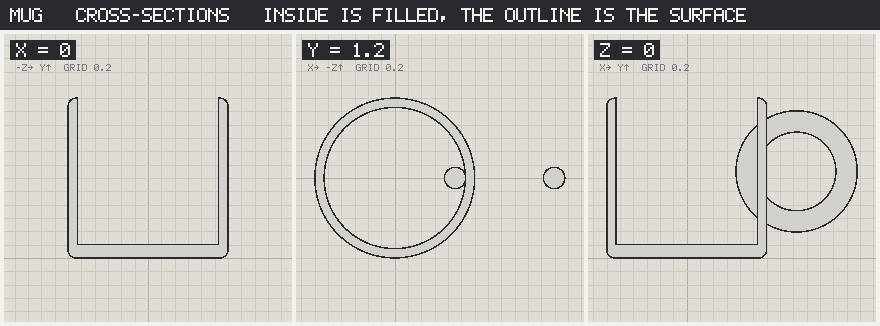
The cross-sections come straight from the distance field, so a hollow you cannot see from outside is still checkable:
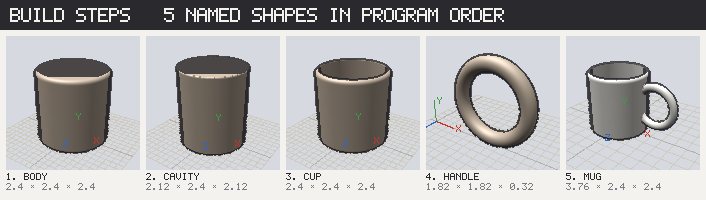
And every named shape gets a thumbnail, in program order, with its size; a red frame means it never made it into the output:
Working with it
The loop an agent runs is: write a .aix file, check it, render it, read sheet.png, compare against what was intended, fix, repeat. docs/agent-guide.md is the short version of that loop with the checklist, and .claude/skills/aixle/SKILL.md packages it as a Claude Code skill: copy that folder into another project's .claude/skills/ and /aixle brings the whole loop along. docs/language.md is the language guide and docs/reference.md every function with its signature, generated from the code so it cannot drift.
npm install
npx aixle check  model.aix           # parse, evaluate, print sizes and warnings; no pictures (--pose NAME for a rig's pose)
npx aixle explain model.aix          # the program as a tree from the output down, for a program someone else wrote
npx aixle render model.aix           # everything, into out/model/
npx aixle render model.aix --quick   # the sheet only, in a second or two; add --watch to re-render on save
npx aixle diff before.aix after.aix  # two versions side by side
npx aixle render model.aix --beauty         # plus beauty.png (a second or a few)
npx aixle render model.aix --azimuth 60 --elevation 10   # turn the camera
npx aixle render model.aix --focus lid --pose reach      # frame one part; show a rig in one pose
npx aixle render model.aix --grid 200 --size 768 --out somewhere
npx aixle doc                        # the reference, to stdout
render writes:
| File | What |
|---|---|
sheet.png | perspective, front, right and top views on unit grids, with the model's size in the bar |
slices.png | cross-sections on x, y and z, inside filled with the material, outline where the surface is |
steps.png | one thumbnail per named shape in program order; red = not part of the output |
turntable.png | eight views around the model |
persp.png, front.png, right.png, top.png | the views on their own |
model.obj, model.mtl | the mesh with UVs, one group per material, mapped to the atlas |
model.stl | binary STL for a slicer: the model as shown, posed if a pose is set |
model.png | the texture atlas: the procedural materials baked per chart |
model.glb | binary glTF with the atlas embedded (--no-texture for vertex colours instead) |
viewer.html | orbit the GLB in a browser: self-contained, loads three.js from a CDN |
beauty.png | with --beauty: the field ray-marched with soft shadows and ambient occlusion |
poses.png, anim_<name>.png | with joints: every pose, and frames through each animation |
report.md, report.json | size, bounds, triangle count, mass, centre of mass, whether it stands, pieces, every step's size and whether it is used, warnings |
The language in one screen
name = expr                      # every assignment is a step
def part(a, b=1) = expr          # a parametric part
for i in range(6) { ... }        # loops; also range(a, b), range(a, b, step), or a list [1, 2.5]
show name                        # what to output (default: the last shape)

box(w, h, d)  sphere(r)  cylinder(r, h)  cone(r1, r2, h)  capsule(r, h)  torus(R, r)  prism(sides, r, h)
circle(r)  rect(w, h)  ngon(n, r)  star(n, r1, r2)  polygon(x1,y1, ...)  text("Hi", size, arc=r)   # 2D
extrude(profile, h)  revolve(profile, angle=180)  loft(a, b, h)                          # to solids
tube(r, points, smooth=6, taper=1)  sweep(profile, points, smooth=6, twist=0, taper=1)   # along a path
helix(r, h, turns)  arc(r, from, to)  spline(points)                                     # point lists
bezier(points)  curve(points)  tube(r, c)  sweep(profile, c)  text("Ab", 1, face="serif")  # exact curves, serifs
import("part.obj", size=2)                                                               # a mesh as a shape
anchor(part, "tip", x, y, z)   at(part, "tip")   lamp | attach("bottom", arm, "tip")     # placement by name
scene a, b, c   place(shape, [x,y,z,yaw, ...])   joint(part, "elbow", x, y, z)          # assemblies
pose("reach", elbow=[0, 0, 40])   animation("wave", ["rest", "reach", "rest"], seconds=2)
set light_size 2   set light_azimuth -40   set ambient 1.5   set dof 1   paint("glass")   # beauty render
decal(shape, region, "black")   material("#fc6", glow=1)   material("red", "stripes", axis="x")  # surface paint

a + b   a - b   a & b            # union, difference, intersection (also union(a, b, c, k=0.3) for smooth)
a | move(x, y, z) | rotate(y=45) | scale(2) | mirror("x")
  | round(r) | shell(t) | twist(deg) | bend(deg) | displace(amp, size)
  | array(n, dx, dy, dz) | grid(nx, nz, dx, dz) | ring(n, radius)
  | ground() | center() | paint("wood")
Units are whatever you say they are; y is up; angles are degrees. Every primitive is centred on the origin and stands along y. a | f(x) is f(a, x). Paint parts before combining them if they should keep different materials.
The docs, the gallery and the dogfooding record are published at tyevco.github.io/aixle.
Examples
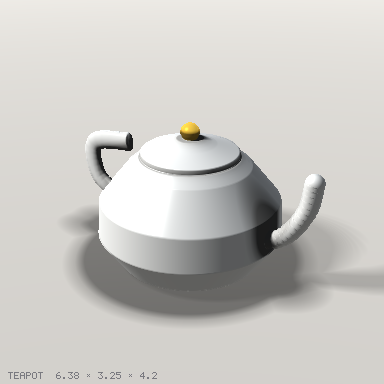
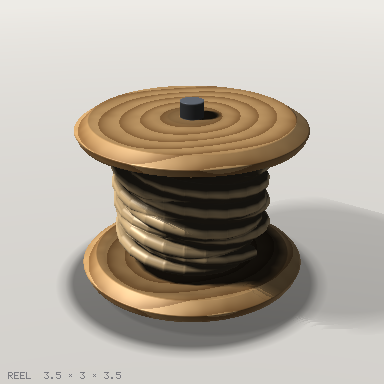
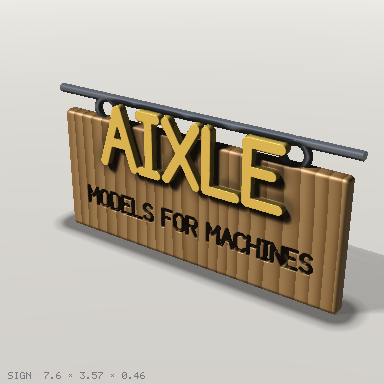
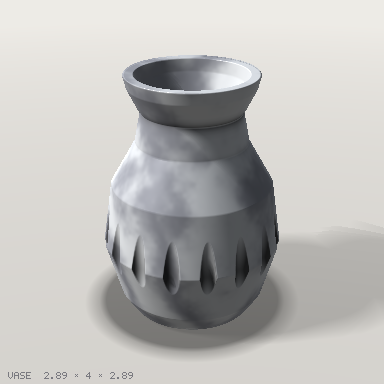
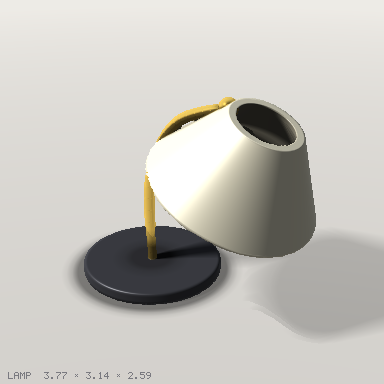
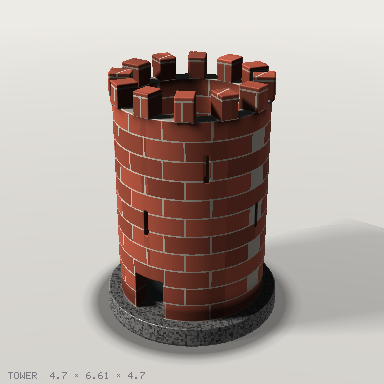
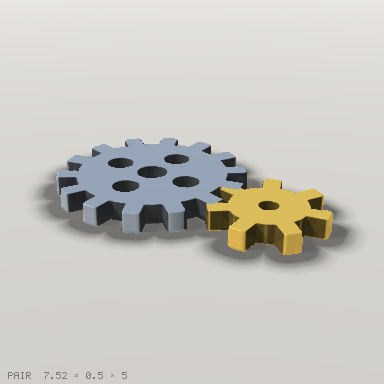
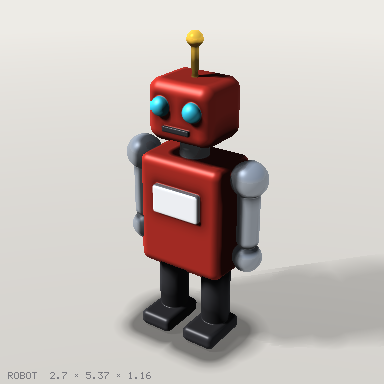
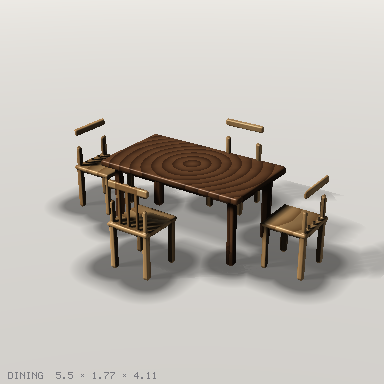
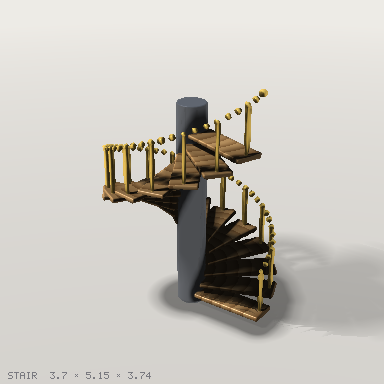
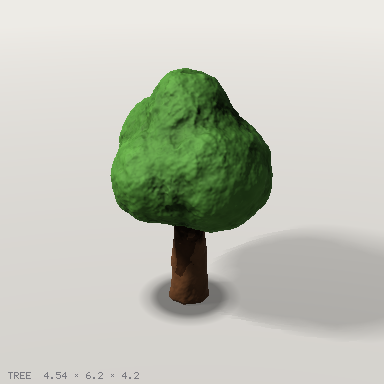
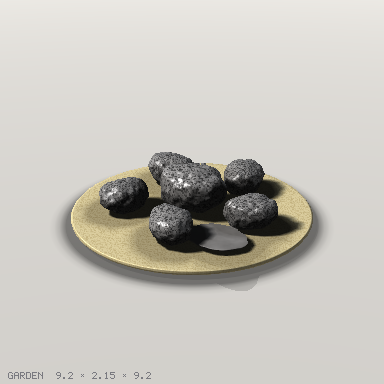
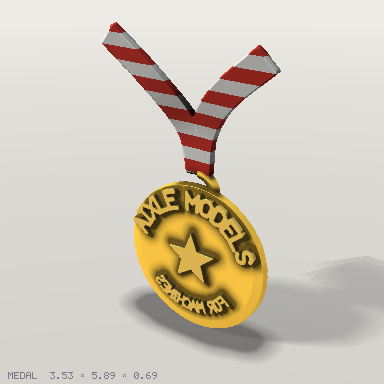
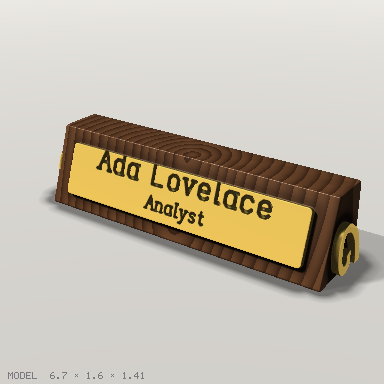
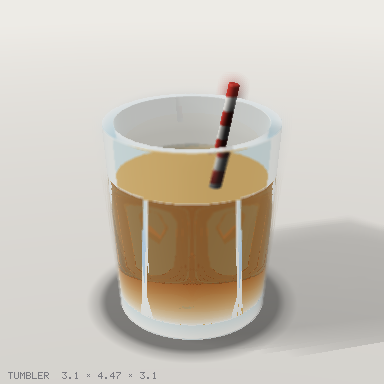
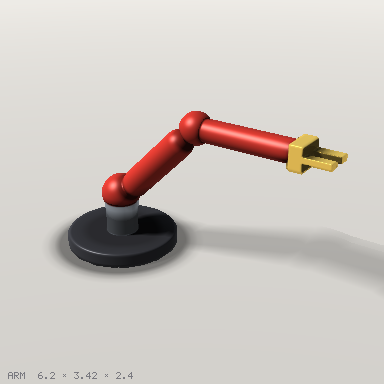
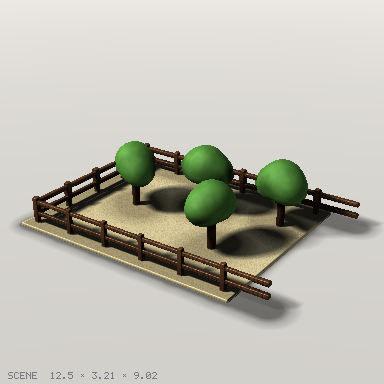
examples/ has eighteen models exercising the language, each with its sheet, slices, steps and beauty render under examples/renders/: a mug, a fluted vase from a revolved profile, a teapot with a tube spout and a swept handle, a desk lamp with a lofted shade, a reel of three-strand rope swept along a helix with a twist, a hanging sign with raised and engraved text, a rock garden from an imported mesh, a robot arm with three joints and a waving animation, a fenced plot with placed panels and trees, a table with parametric chairs, a brick tower, a pair of gears from 2D profiles, a spiral staircase from a loop, a robot with per-part materials, a tree with smooth blends and displacement, a glass tumbler for refraction and depth of field, a medal with text on an arc and a partial revolve, and a desk nameplate with serif lettering engraved in brass and scrolls swept along exact Bezier curves.
 |  |  |
 |  |  |
 |  |  |
 |  |  |
 |  |  |
 |  | |
How it works
Shapes are signed distance fields, not meshes. That is why the booleans are exact and never fail on coincident faces, why shell, round, smooth blends, twist and displace are one line each, and why a cross-section is free. The surface is extracted once at the end by surface nets with dual contouring on a grid (--grid, default 128 cells on the longest side), so corners stay sharp, and that one mesh is what the software rasteriser draws and what the exporters write, so the pictures show the file you get. The beauty render marches the field itself, primed by that mesh so it costs about a second. For the exports, the procedural materials are baked into a texture atlas with UVs, so the GLB looks the same in an engine as it does here. Materials are procedural patterns evaluated in the painted part's own frame, sampled per pixel when rendering and per vertex when exporting; there are no UVs. docs/design.md has the reasoning and the limits.
No runtime dependencies. npm test runs the unit tests; npm run check runs typecheck, tests, the reference and the example renders, which CI compares against the committed files.